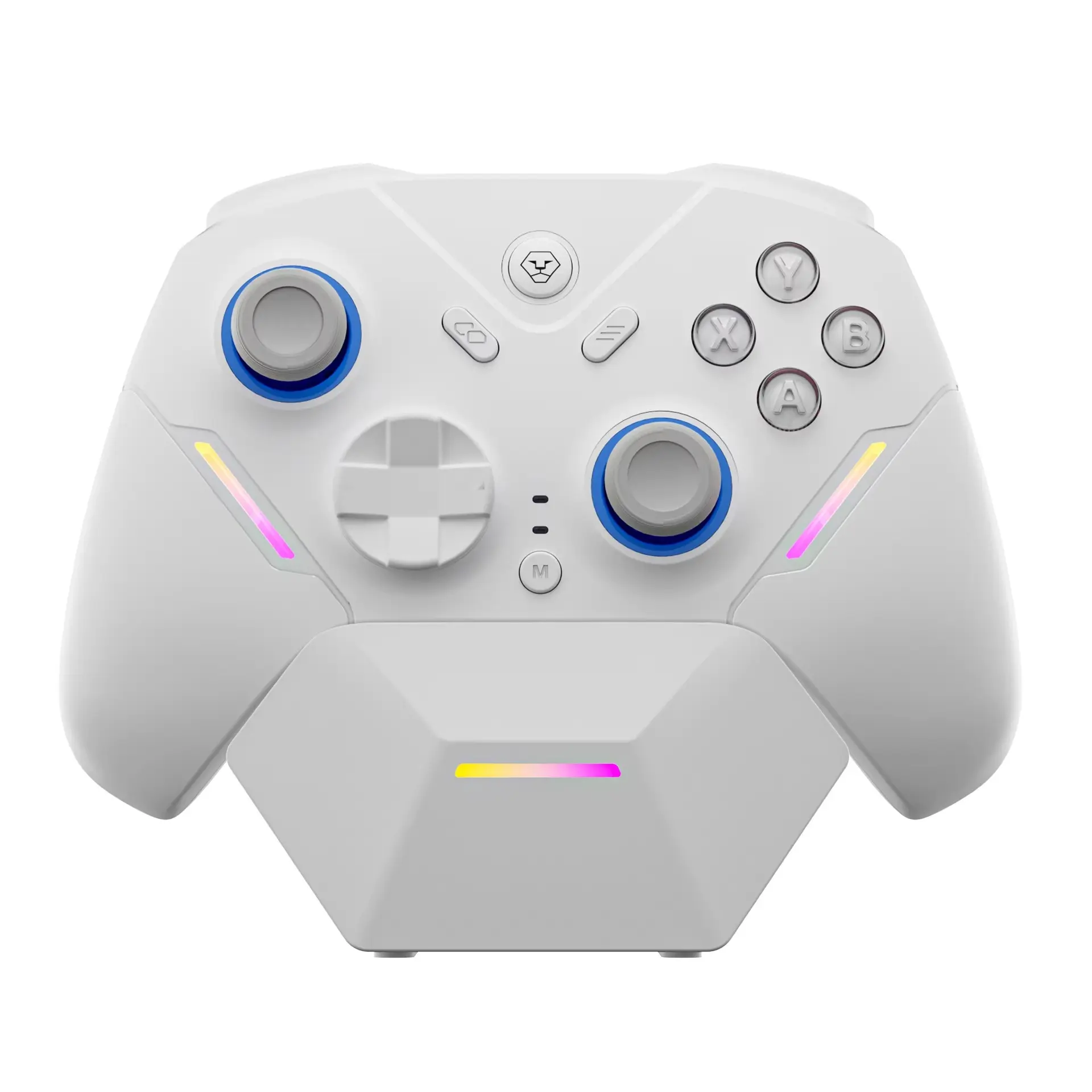
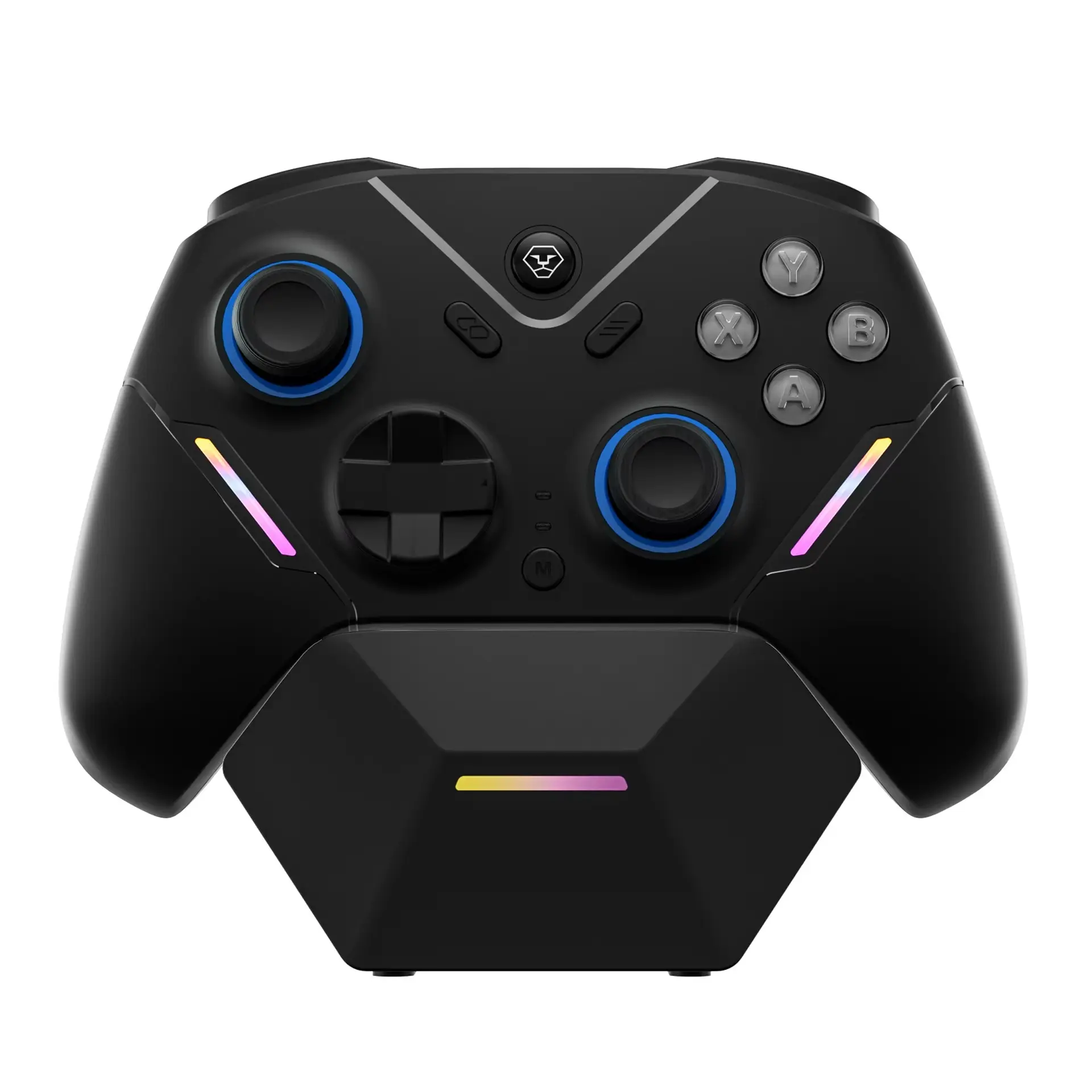
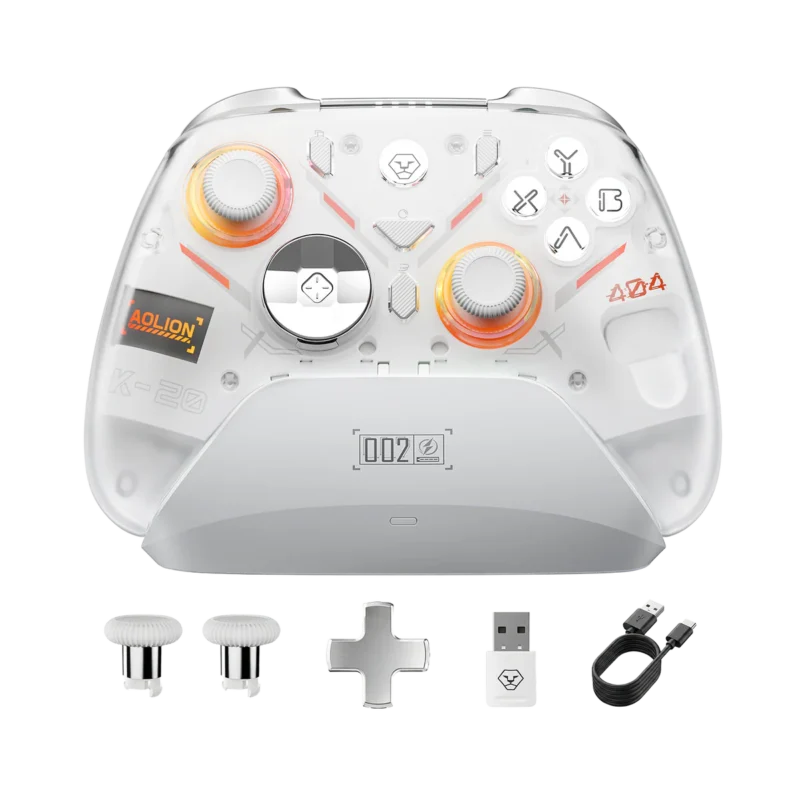
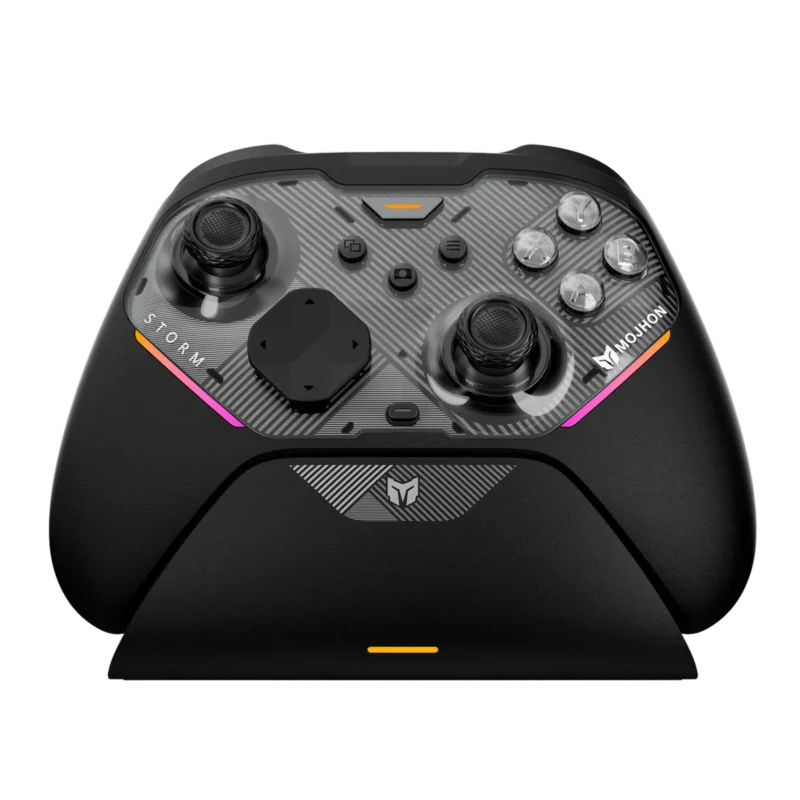
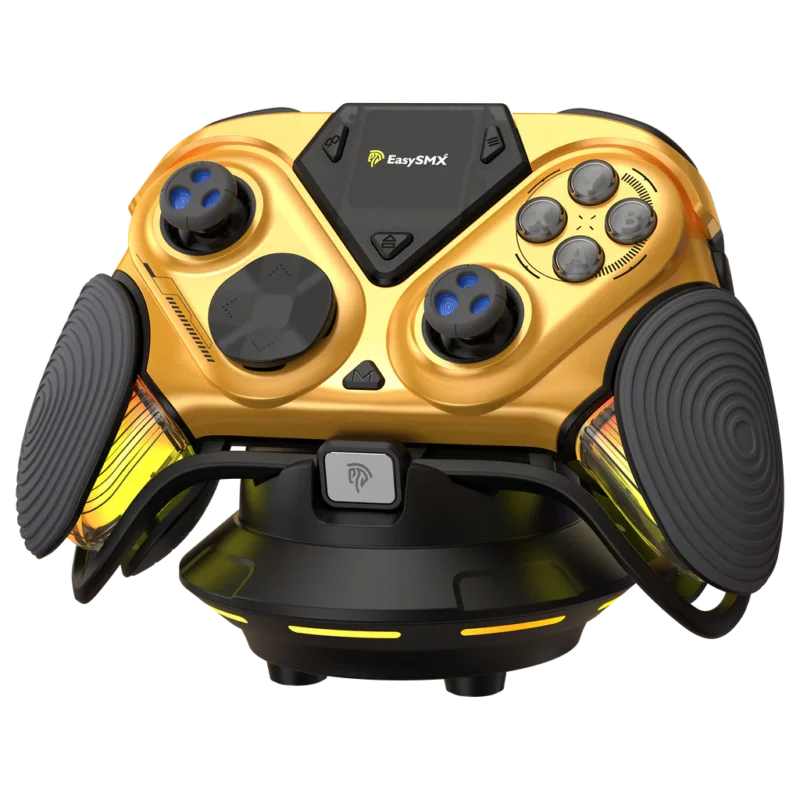
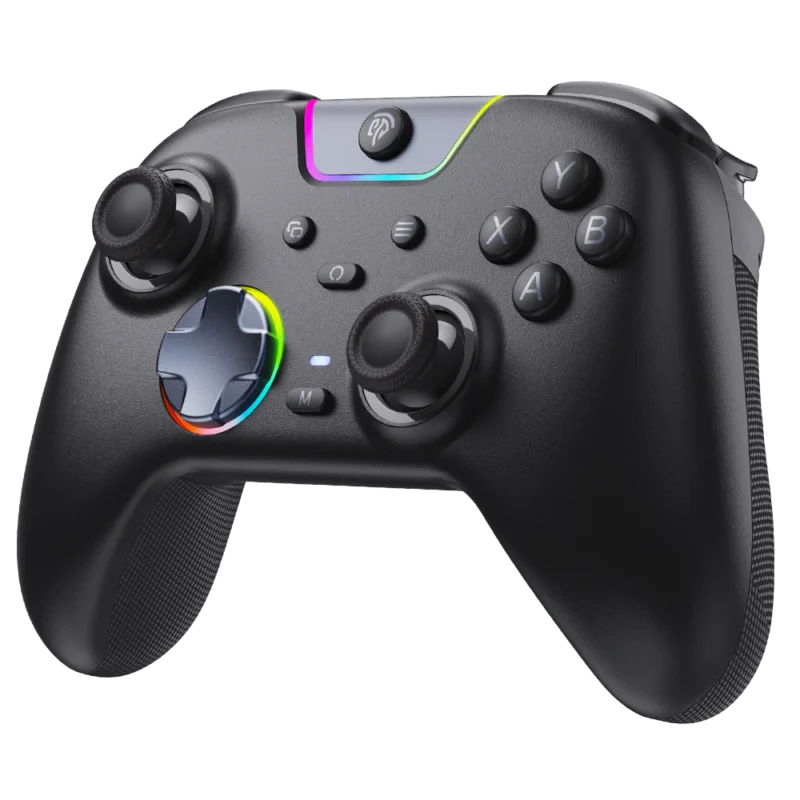
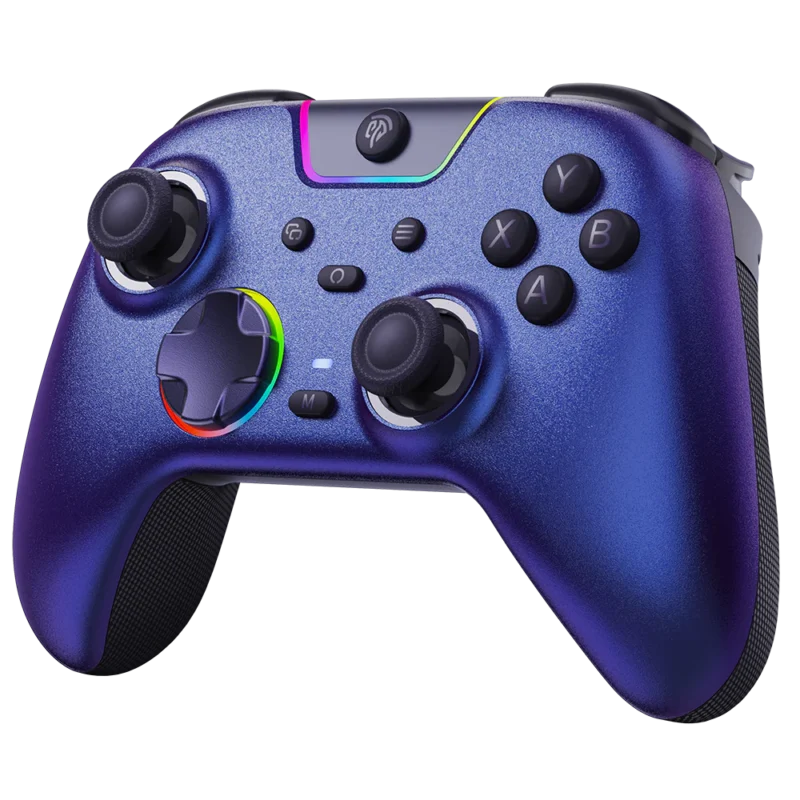
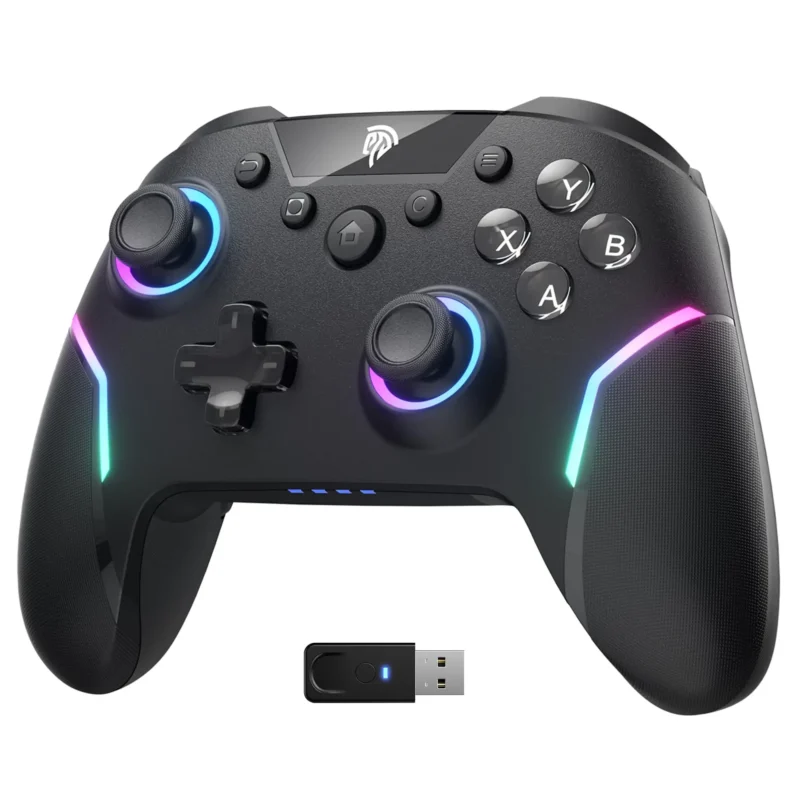
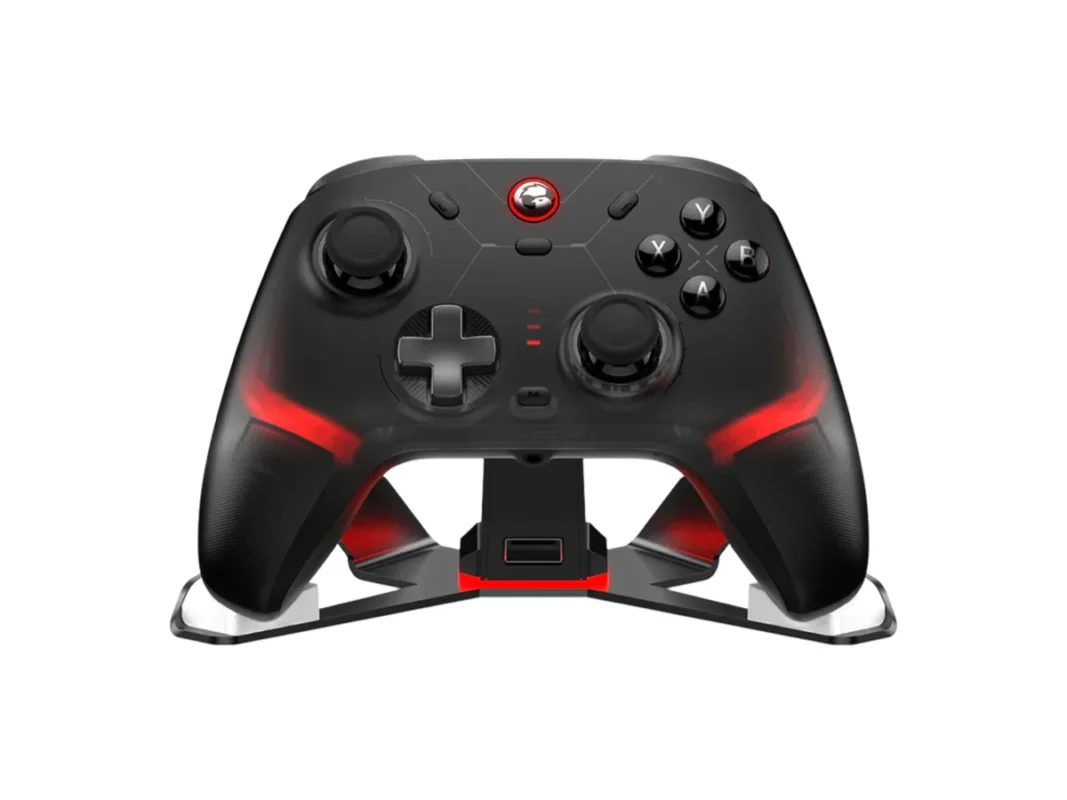
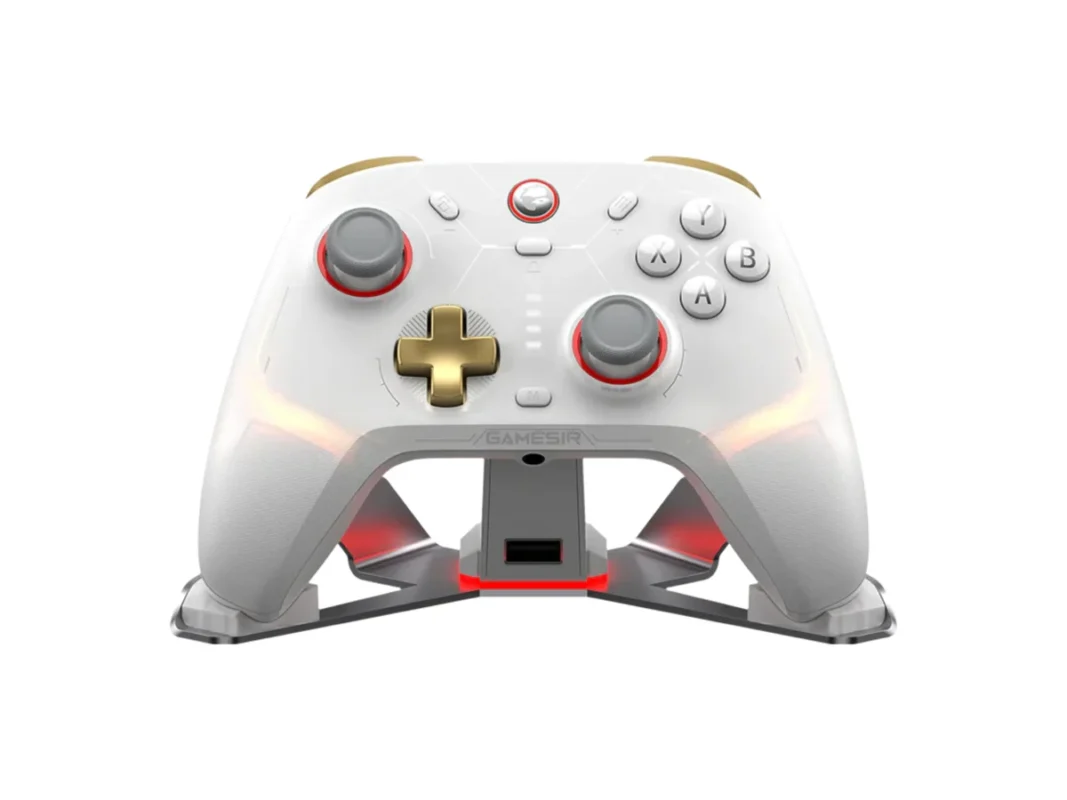
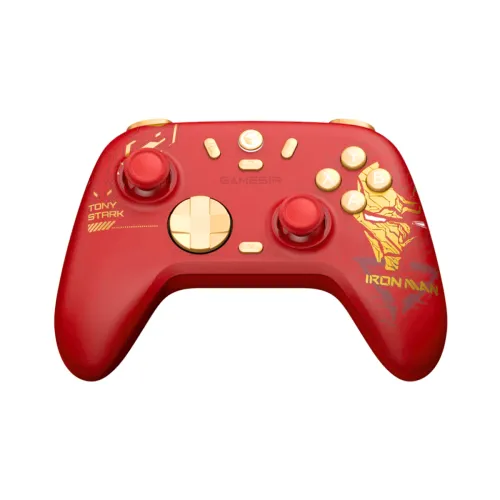
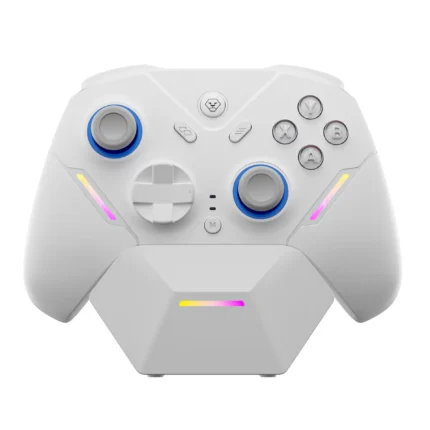
The AOLION N35 Tri-Mode Hall Effect Wireless Controller (Model: AL-N35) is an elite-tier gaming gamepad meticulously engineered to provide exceptional precision, customizable shortcuts, and multiplatform flexibility. This premium gaming weapon is built around high-precision Hall Effect Joysticks and Linear Triggers, completely eliminating structural mechanical wear and stick drift.
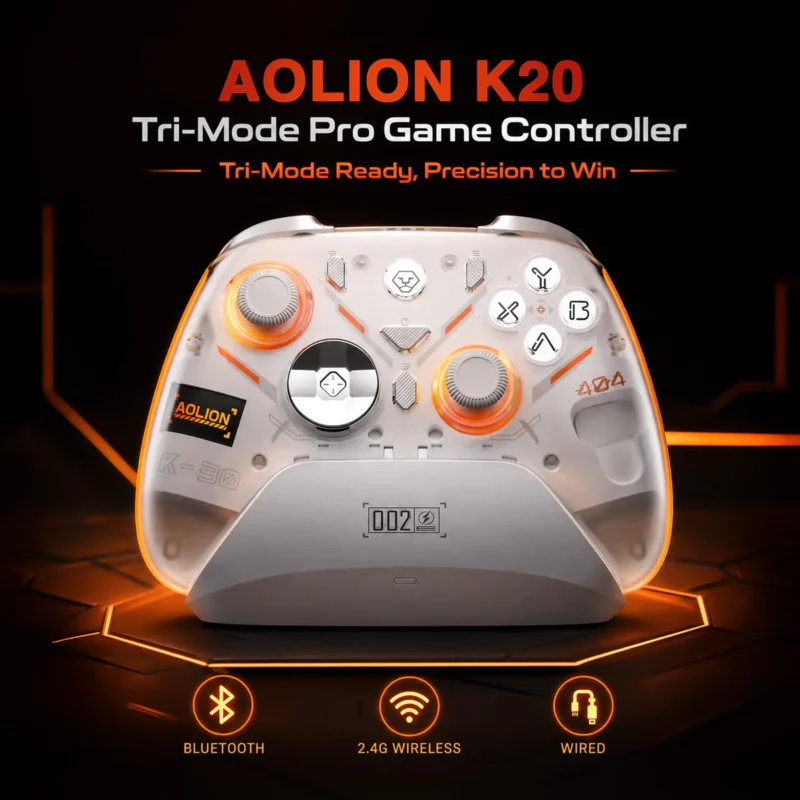
Operating on a low-latency hardware processing path, it minimizes input lag across all connectivity types. The controller includes a smart Desktop Charging Dock that doubles as a functional USB hub to keep your desk organized. With its universal Tri-Mode Connectivity (USB wired, 2.4G receiver, and Bluetooth), it effortlessly bridges PC, Nintendo Switch, Android, and iOS systems. Driven by advanced hardware shortcuts and mobile app integration via KeyLinker, the N35 lets you rebind keys, program macros, toggle a zero-dead-zone mode, and recalibrate sensors on the fly, making it an uncompromised asset for casual and competitive gaming setups alike.
Specifications
| Feature |
Details |
| Model |
AOLION AL-N35 |
| Controller Type |
Tri-Mode Hall Effect Wireless Gaming Controller |
| Analog Tech |
Non-Contact Hall Effect Joysticks & Linear Triggers |
| Connectivity Options |
Tri-Mode (Wired USB Type-C / 2.4G Receiver / Bluetooth) |
| Battery Layout |
800mAh High-Capacity Lithium-Ion Rechargeable Cell |
| Charging Metrics |
~3 Hours Full Charge via 5V USB Interface |
| Charging Station |
Smart Magnetic Contact Charging Dock + Built-In USB Hub |
| Motion Tracking |
6-Axis Somatosensory Gyroscope |
| Advanced Mapping |
M1 / M2 Rear Back Macro Buttons + Multi-Stage Hardware TURBO |
| Haptic Feedback |
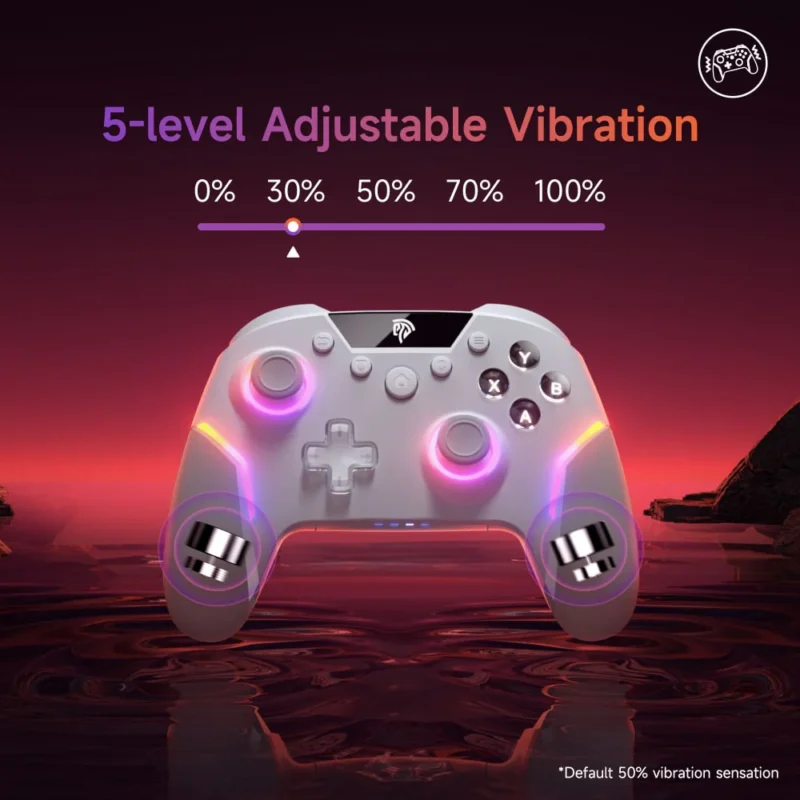
Asymmetric Adjustable Dual Vibration Motors (4-Level Custom) |
| Aesthetic Lighting |
Dynamic Addressable RGB Custom Backlighting Accents |
| Platform Support |
PC (XINPUT/DINPUT), Nintendo Switch, Android, iOS |
| Software Support |
KeyLinker Companion Mobile Application (iOS / Android) |
| Warranty Window |
1 Year Official Brand Warranty |
Key Features of AOLION N35
Drift-Free Hall Effect Precision
The analog sticks and linear triggers completely replace old carbon film sheets with non-contact magnetic induction sensors. Because the internal parts never rub against one another, it permanently eradicates the threat of mechanical stick drift and wear, maintaining consistent raw aiming accuracy over years of heavy use.
Smart Contact Charging Dock & USB Hub
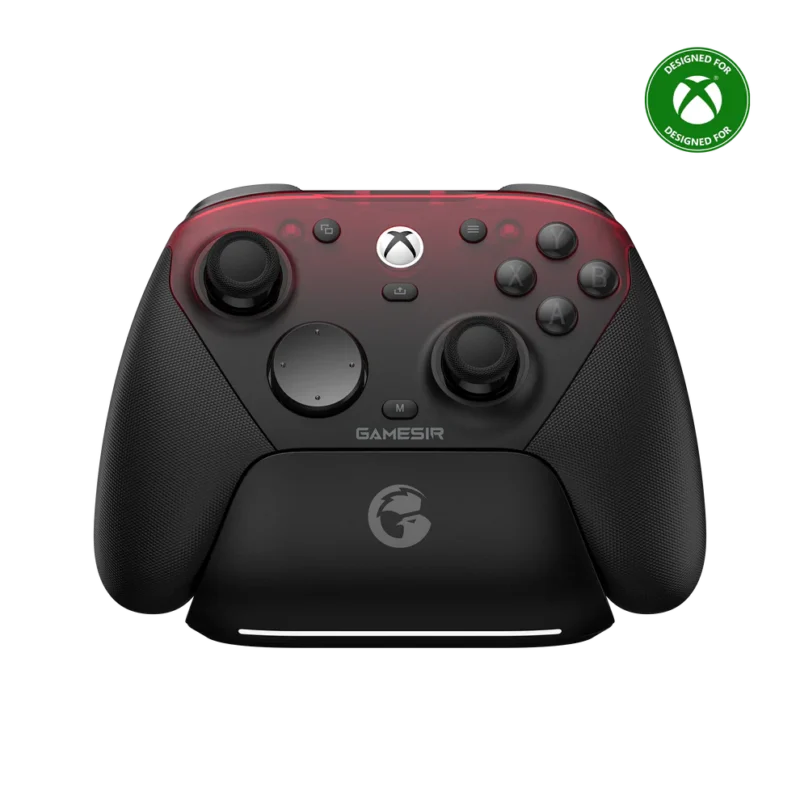
The gamepad comes bundled with an intelligent desktop contact charging dock. Simply lower the controller into the form-fitting magnetic slots to refill the 800mAh core effortlessly. Additionally, the dock frame houses built-in USB ports, functioning as a high-speed desktop USB hub for wireless dongles or flash drives.
On-The-Fly Layout & Axis Swapping
The internal processing board allows for immediate structural remapping without using external software. Gamers can swap the ABXY cluster layout between Xbox and Nintendo Switch configurations instantly. It also supports a dedicated hotkey to swap functionalities between the D-pad and Left Analog stick to match vintage emulator layouts.
Zero-Dead-Zone Toggle & Calibration
Engineered for tactical shooters, a specialized hardware shortcut removes thumbstick dead zones entirely for instantaneous crosshair tracking. If the sticks drift due to environmental temperature shifts, an onboard calibration tool lets you recalibrate joysticks and triggers manually in seconds.
Advanced App Programming via KeyLinker
The controller integrates seamlessly with the KeyLinker mobile application via Bluetooth across iOS and Android devices. This unlocks advanced custom programming, allowing you to fine-tune stick sensitivity curves, re-map button inputs, adjust individual dead zones, build intricate macros, and update system firmware over the air.
PC Platform
-
- Wired Mode: Slide the hardware toggle to PC and plug in the USB-C cable. Hold VIEW + MENU simultaneously for 3 seconds to cycle between XINPUT and DINPUT protocols.
- 2.4G Wireless: Insert the receiver dongle into your PC and tap its physical pairing button. Long press the controller HOME button for 3 seconds to sync.
- Bluetooth Mode: Slide the switch to BT, hold HOME for 3 seconds, and select “Xbox Wireless Controller” inside your Windows Bluetooth settings.
Nintendo Switch
-
- Wired Mode: Slide the switch to NS. Ensure “Pro Controller Wired Communication” is toggled ON inside your Switch system settings, then connect via cable.
- Bluetooth Mode: Hold the HOME button for 3 seconds to scan and sync with the console. Once paired, pressing the HOME key wakes the host console from standby.
Android & iOS Mobile
-
- Wireless Mode: Slide the hardware switch to BT, long press HOME for 3 seconds to initialize pairing mode, and select “Xbox Wireless Controller” on your device screen.
Core Hardware Shortcuts
-
- ABXY Xbox / NS Layout Swap: Hold B + VIEW + MENU for 1 second.
- D-Pad ↔ Left Analog Stick Swap: Hold L3 + VIEW + MENU for 1 second.
- TURBO Configuration: Hold your desired function key and tap M to set. Speed up by pressing M + MENU, slow down via M + VIEW, or hold M for 5 seconds to clear all Turbo assignments.
- M1 / M2 Rear Macro Mapping: Hold M + M1 or M2 for 2 seconds to record actions; short press M + M1 or M2 to trigger loop play or cancel execution.
- 4-Level Vibration Adjustment: Hold M and push the Left Analog Stick Up or Down to scale motor rumble feedback.
- RGB Lighting Controls: Hold A + VIEW + MENU to toggle light pathways. Hold VIEW and tap the Do-pad to adjust colors and brightness levels.
- Joystick & Trigger Calibration: Hold X + VIEW + MENU for 1 second. Rotate both sticks fully and squeeze both triggers down completely, then press MENU to finish calibration.
- Zero-Dead-Zone Activation: Hold Y + VIEW + MENU for 1 second to toggle zero-dead-zone tracking modes on or off.
Charging Metrics & Status Display
-
- Controller Powered Off (Docked/Wired): The LED bar flashes Red or Red-Blue during active power intake and turns completely OFF once the battery reaches 100%.
- Controller Powered On: The active Mode indicator light flashes slowly during charging and switches to a solid, stable state once full capacity is restored.
- Low Battery Warning: When remaining power dips below 20%, all custom RGB accent lighting paths turn off automatically to preserve emergency operation tracking.
System Sleep, Reset, & Maintenance
-
- Manual Sleep: Long press the HOME button for 5 seconds to power down.
- Auto Standby: The controller enters sleep mode automatically after 5 minutes of idle time or after 2.5 minutes if a wireless pairing search times out.
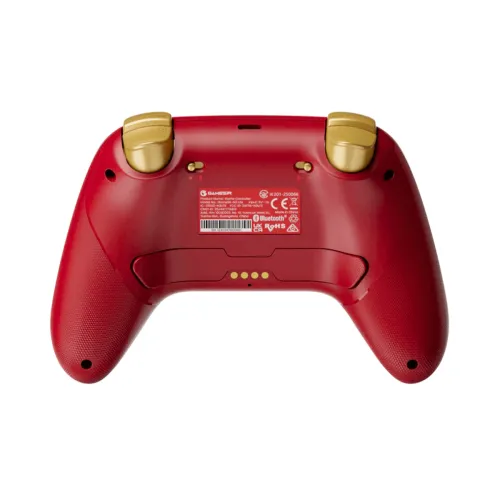
- Hard Reset (Crash Recovery): Insert a thin pin into the small reset hole located on the back shell casing for 1 second to force an instant chip reboot.
- Factory Reset Configuration: Long press the physical M button for 10 seconds to completely erase all active macros, Turbo keys, custom RGB profiles, and vibration overrides.
- Safety & Maintenance Notes: Keep the controller frame completely dry; do not expose internal electronics to damp environments. Refrain from manual structural disassembly to avoid voiding your coverage. Keep small parts safely away from children.
What’s in the Box?
-
- AOLION AL-N35 Wireless Gaming Controller ×1
- Intelligent Custom Contact Charging Dock Station ×1
- Low-Latency 2.4GHz High-Speed USB Receiver Dongle ×1
- High-Purity USB Type-C Data & Charging Cable ×1
- User Setup & Operations Guide Manual ×1
Why Buy From BitByte Technology?
Purchasing your premium multiplatform controllers from BitByte Technology ensures an authentic consumer protection experience:
-
- 1 Year Official Warranty: Benefit from full local warranty support ensuring rapid protection against core board, trigger, or stick failures.
- 100% Genuine Retail Packages: We deal exclusively in authentic, factory-fresh global retail packages supporting seamless KeyLinker app integration.
- Professional Product Assistance: Access our specialized technical team for immediate guidance on custom hardware shortcuts, firmware updates, and calibration tracking.
- Fast Cross-District Shipping: Your premium controllers are packed securely in heavy shock-insulated materials and shipped promptly to your address anywhere in Bangladesh.
Price in Bangladesh
The AOLION N35 Tri-Mode Hall Effect Wireless Controller with Charging DOCK Price in Bangladesh is 4,500 TK at BitByte Technology.
Frequently Asked Questions (FAQ)
Q: Can I use this controller to play games on PlayStation or Xbox consoles?
A: No. The AOLION AL-N35 is natively designed, coded, and optimized to handle PC (Windows), Nintendo Switch, Android, iOS mobile systems, and Steam platforms. It does not offer direct native hardware pairing support for PlayStation or Xbox consoles.
Q: What exactly does the zero dead zone feature do?
A: Standard controllers use built-in dead zones to ignore tiny, accidental thumb twitches. Toggling the zero-dead-zone mode via Y + VIEW + MENU instructs the controller to transmit the absolute smallest analog movement to your PC instantly. This is a massive asset for micro-aiming adjustments in ranked competitive shooters.
Q: How long does it take to fully charge the controller?
A: The integrated 800mAh lithium-ion battery cell takes approximately 3 hours to reach 100% capacity when using a standard 5V USB power interface or when docked on the custom charging platform.
Q: How does the controller charge when placed on the custom dock?
A: The bottom frame of the N35 chassis houses low-profile metallic contact pads. When lowered onto the desktop charging dock, these pins securely lock together via internal alignment magnets to transmit power instantly without wearing out the controller’s main USB-C data port.
Reviews
There are no reviews yet.