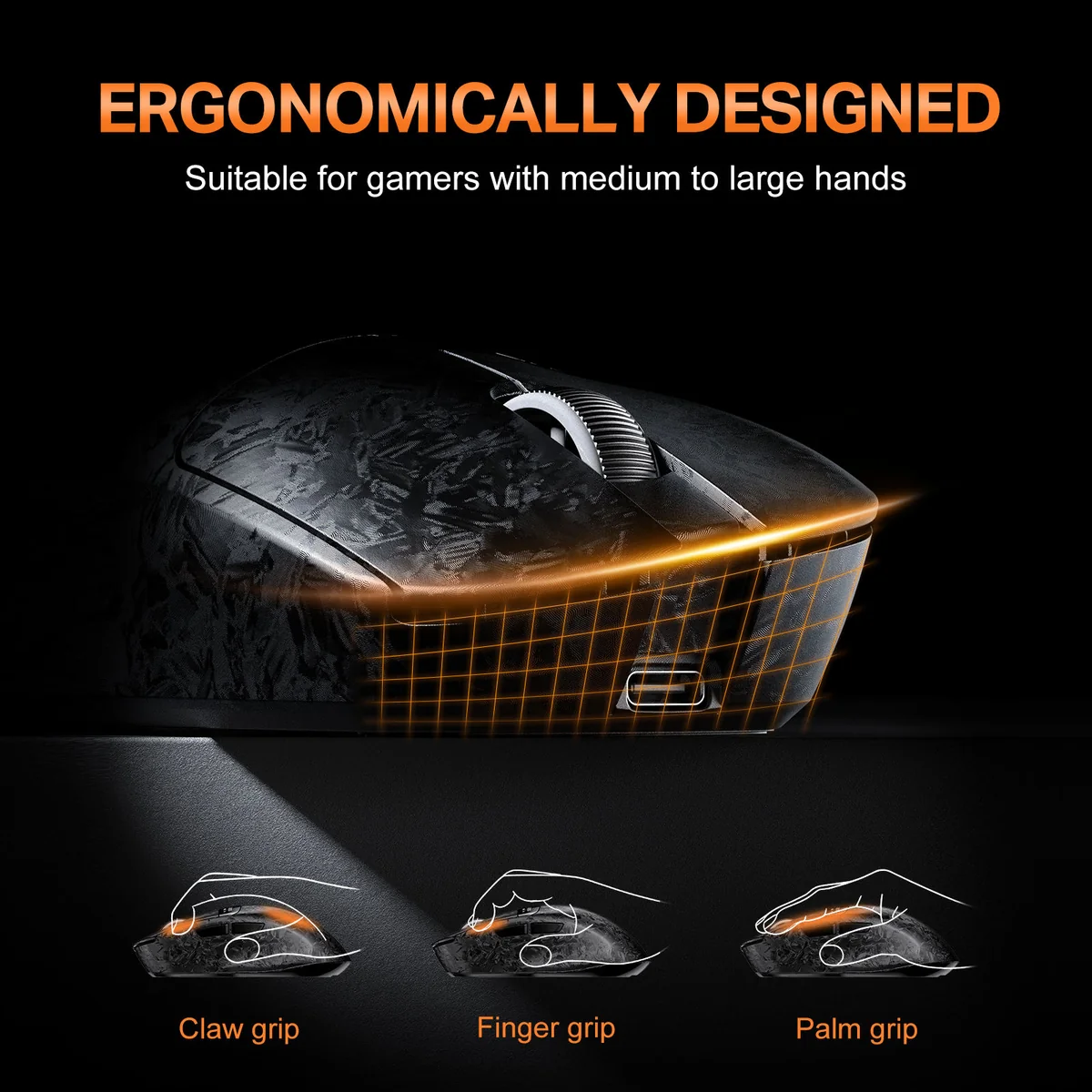
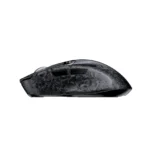
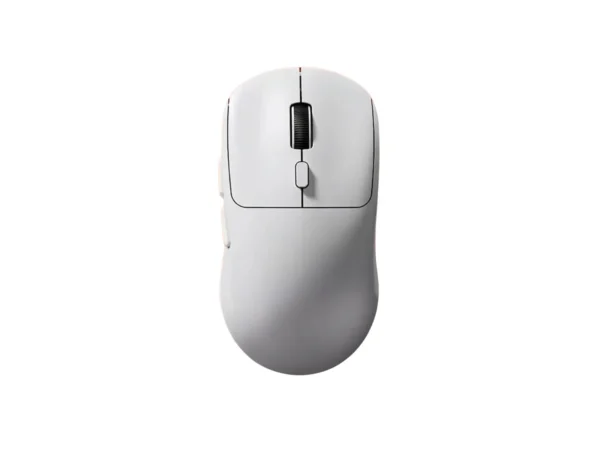
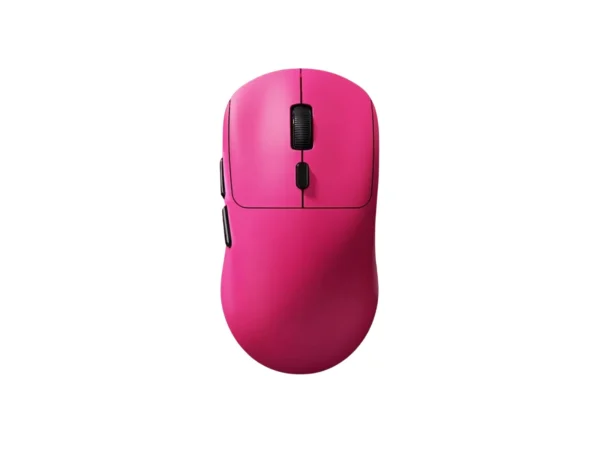
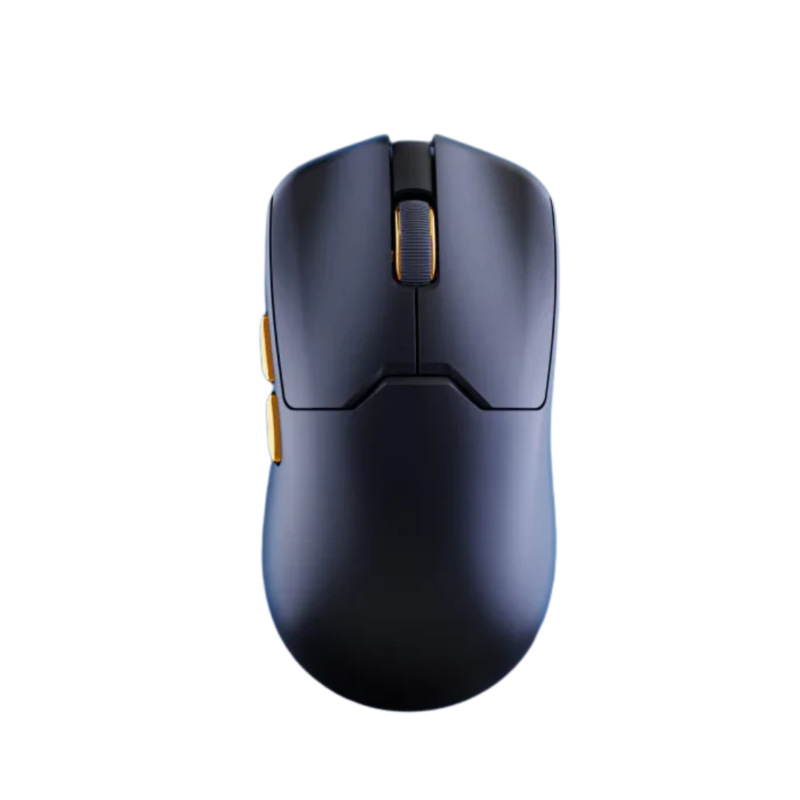
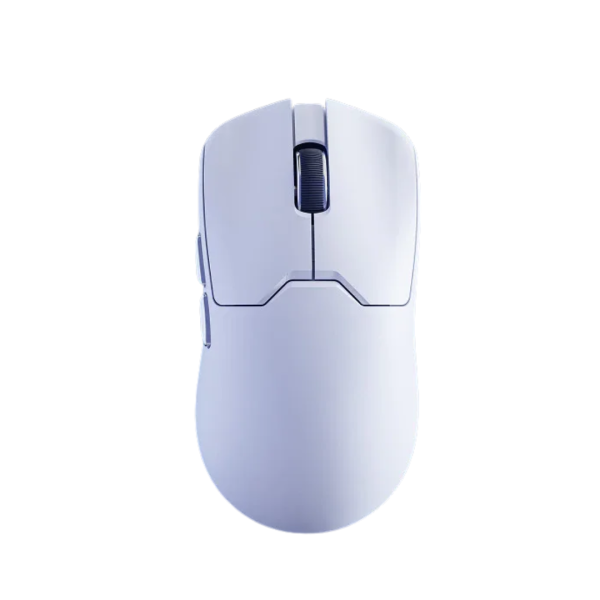
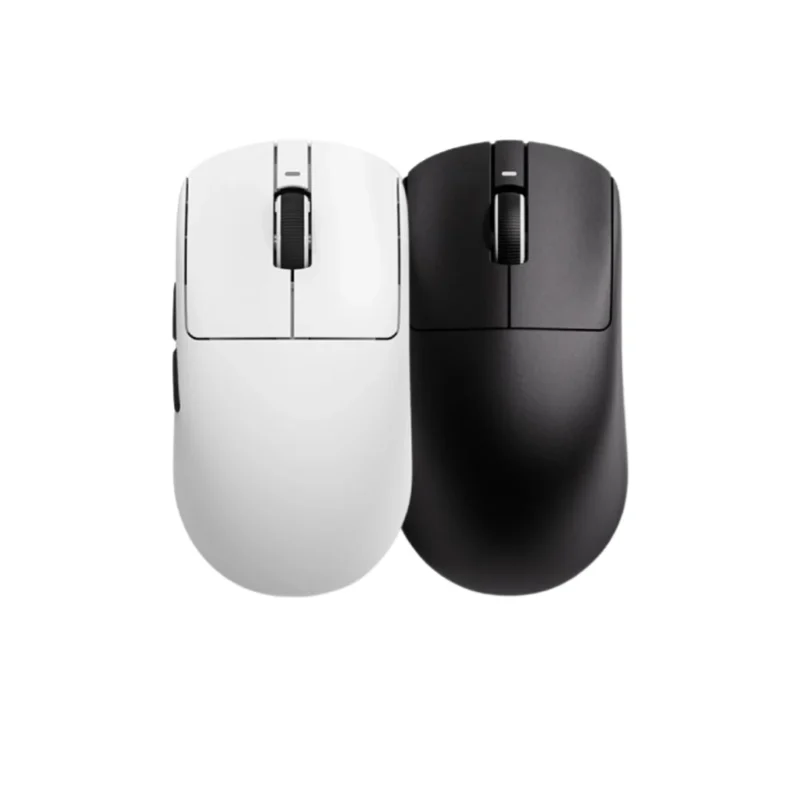
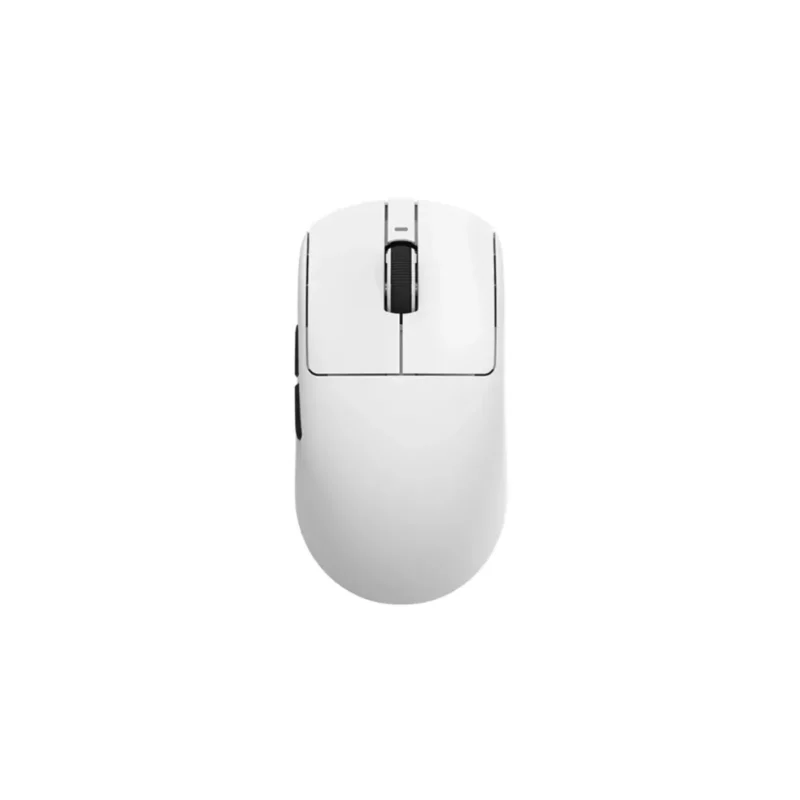
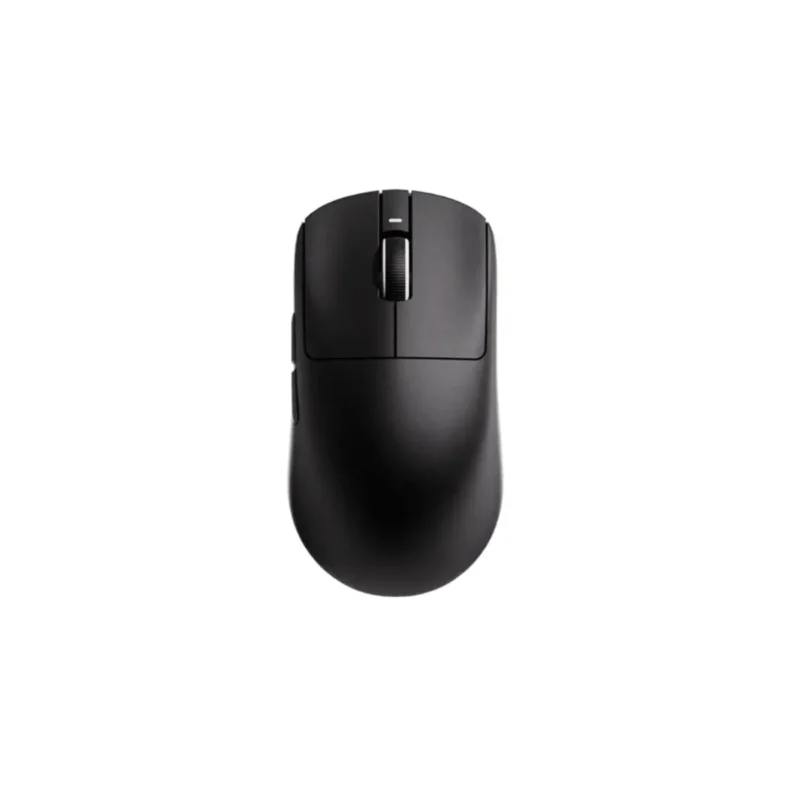
The ONIKUMA DM08 is a masterclass in modern gaming mouse engineering, fusing enthusiast-grade weight reduction, flagship-tier tracking precision, and luxury charging convenience. Purpose-built for competitive esports players and power users alike, this mouse strips away unnecessary weight to achieve a featherlight 65g lightweight profile without compromising structural integrity. This weightless architecture drastically cuts down wrist friction and muscle fatigue, allowing you to pull off lightning-fast micro-adjustments and sweeping flick shots effortlessly.
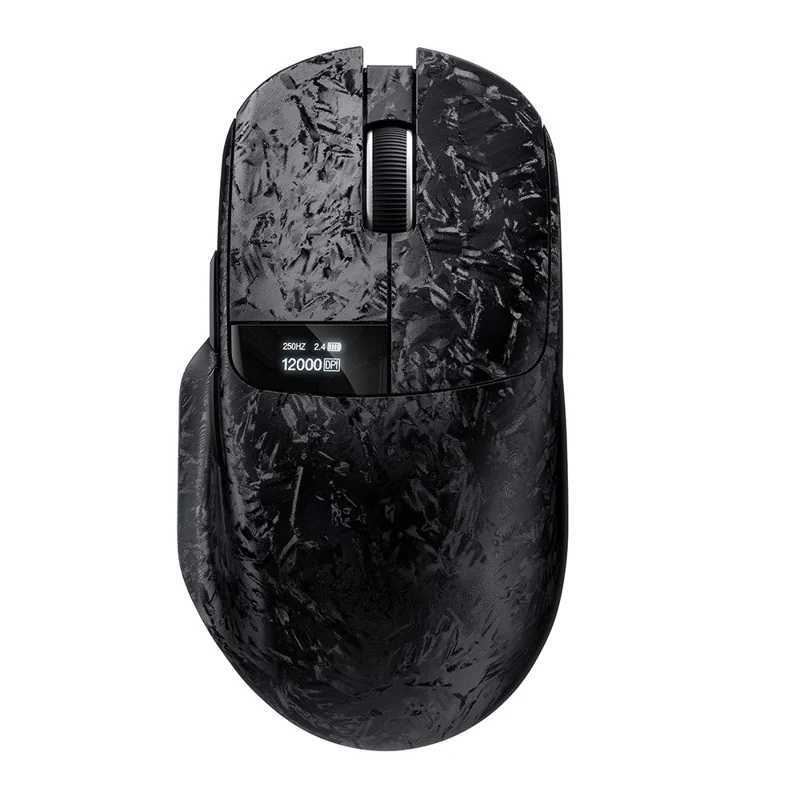
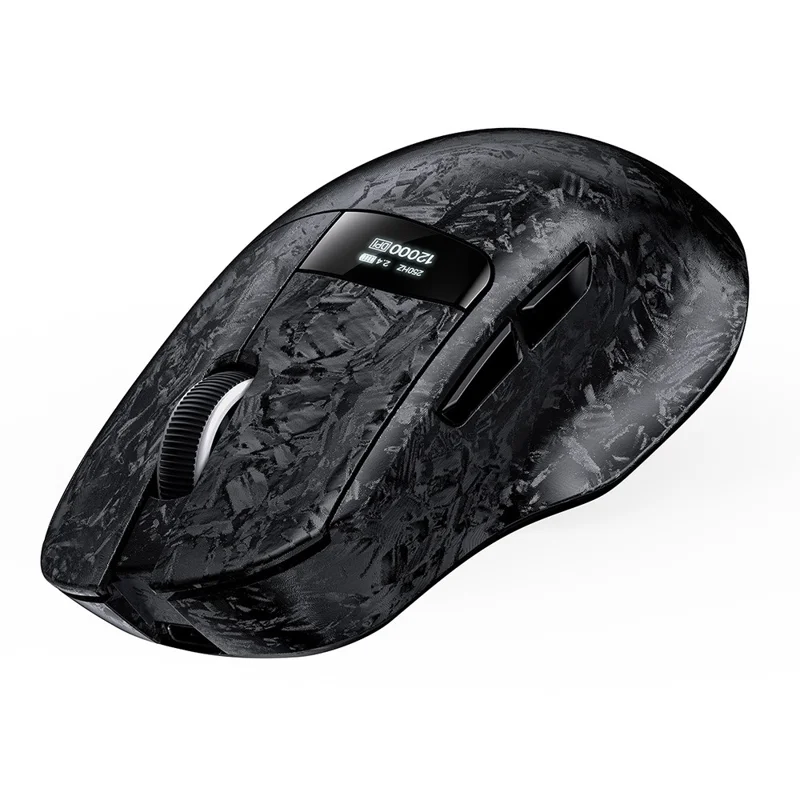
At its core, the DM08 houses the high-end PixArt PAW3311 high-precision optical sensor, guaranteeing pixel-perfect accuracy and zero cursor skipping across intense acceleration curves. It features a highly flexible 6-level adjustable DPI matrix expanding up to 12,000 DPI, paired with a tournament-grade 1000Hz polling rate that registers your hand movements every single millisecond. A true standout highlight of this model is its built-in display for mouse status, giving you an immediate hardware readout of active profiles, connection states, and power levels directly on the mouse itself.
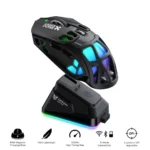
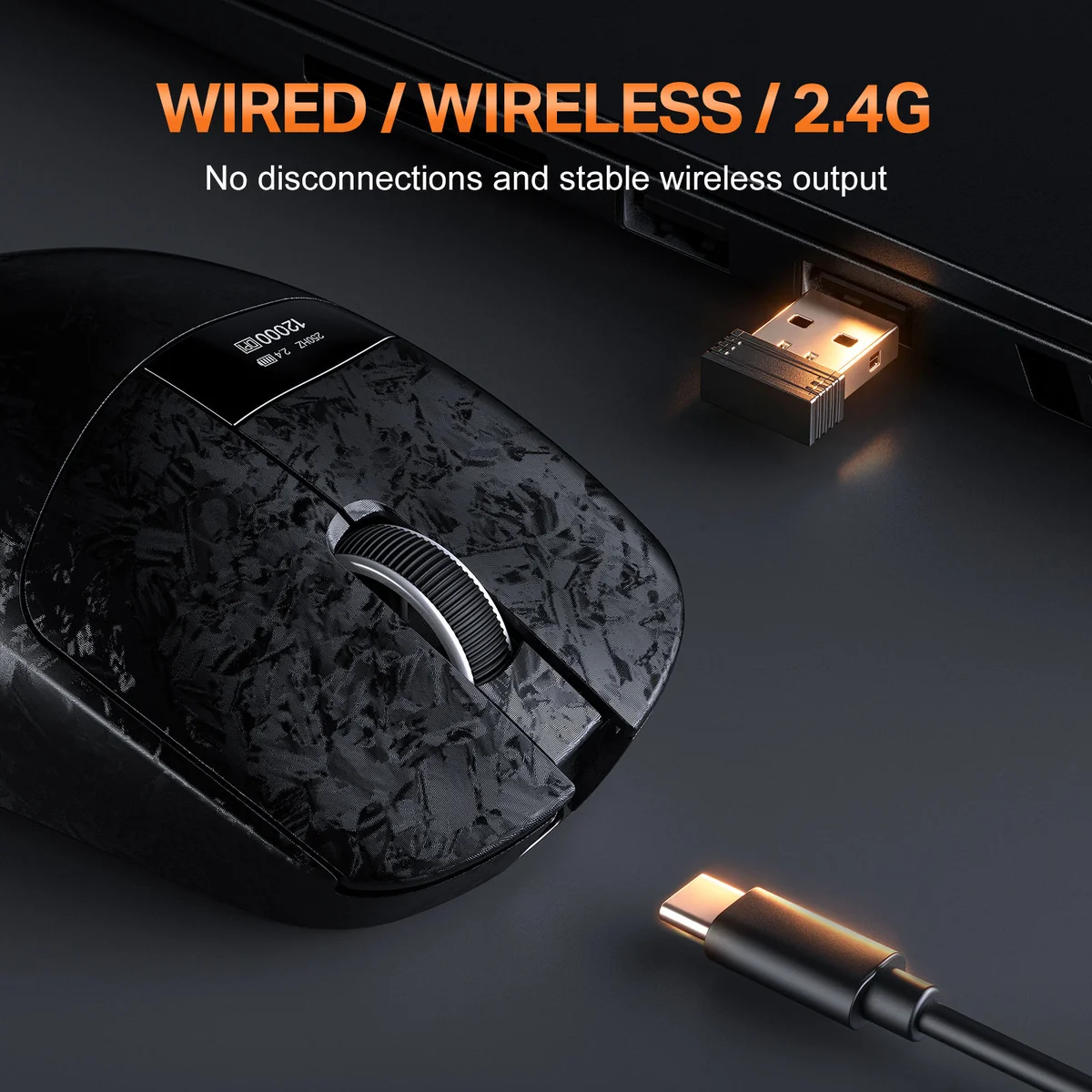
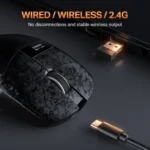
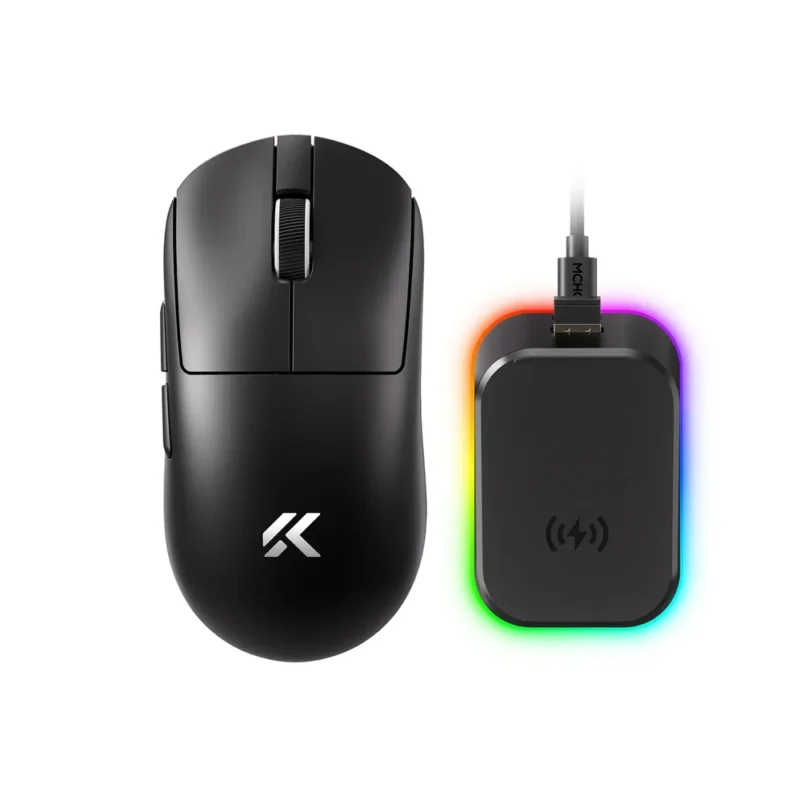
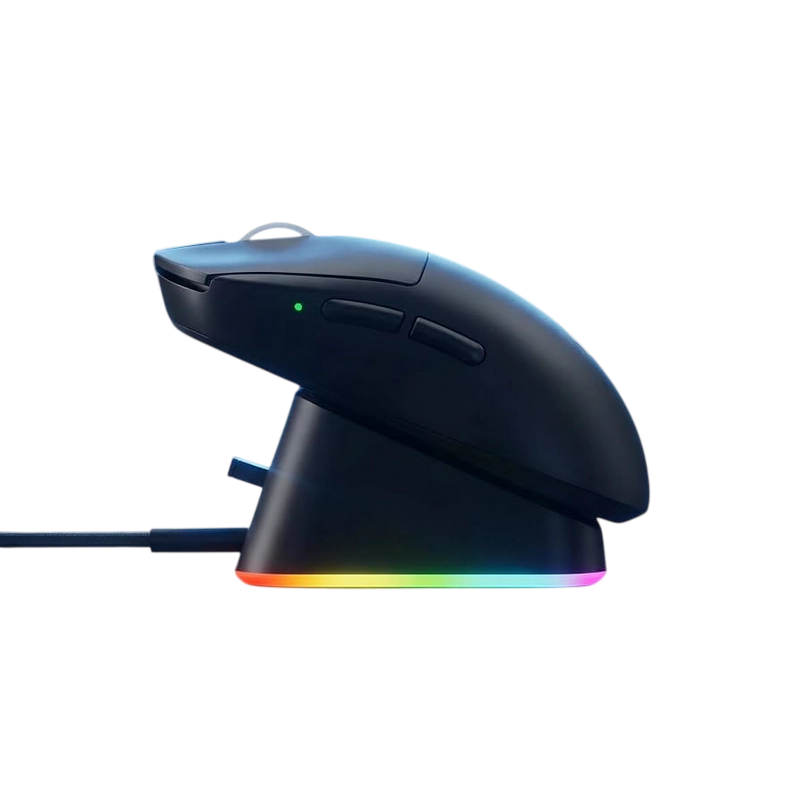
Connectivity freedom is absolute with its advanced Tri-Mode Connectivity pipeline, empowering you to toggle fluidly between low-latency 2.4GHz wireless for esports, multi-device Bluetooth for office productivity, and standard wired Type-C modes. Say goodbye to loose charging wires—the DM08 includes a dedicated Magnetic RGB Charging Dock. Simply drop the mouse onto the magnetic dock pins to replenish its built-in 500mAh rechargeable battery while the station casts a beautiful ambient glow across your desk.
Product Specifications
| Specification |
Detail |
| Model |
ONIKUMA DM08 |
| Weight Profile |
Ultra-Lightweight ~65 grams Chassis |
| Sensor Engine |
PixArt PAW3311 High-Precision Optical Sensor |
| Sensitivity Profiles |
6-Level Adjustable DPI (Ranging up to 12,000 DPI) |
| Polling Rate |
Up to 1000Hz (1ms Ultra-Low Latency Response) |
| Status Readout |
Integrated Built-in Display Screen for Mouse Status |
| Charging Station |
Premium Magnetic RGB Charging Dock (Included) |
| Connectivity Matrix |
Tri-Mode: 2.4GHz Wireless / Bluetooth / Wired Type-C |
| Battery Parameters |
Built-in 500mAh Rechargeable Battery |
| Backlight Engine |
Dynamic Ambient RGB Lighting effects |
| Warranty |
1 Year Official Warranty Support |
Key Features of ONIKUMA DM08 in Detail
-
- Premium Magnetic RGB Charging Dock: Ditch the hassle of fumbling with loose USB cords. The dedicated magnetic drop-and-go base safely docks and charges the mouse while adding a gorgeous ambient RGB highlight to your desktop layout.
- Integrated Built-in Status Display: The forward-thinking hardware status screen provides real-time visibility into your remaining battery percentage, current connection profile, and active DPI settings instantly.
- Featherlight 65g Agility Build: Engineered rigorously for high-velocity competitive tracking, the solid-shell chassis achieves a sub-70g footprint without structural hole cutouts, minimizing long-term fatigue.
- Pro-Tier PixArt PAW3311 Sensor: Tracks high-speed acceleration curves and rapid hand flicks flawlessly, providing completely predictable crosshair tracking critical for FPS and MOBA matchmaking.
- Esports-Grade 1000Hz Polling Rate: Polling speeds update cursor placement 1,000 times per second over 2.4G and wired connections, removing perceived latency barriers entirely.
What’s in the Box?
-
- 1x ONIKUMA DM08 Tri Mode Wireless Gaming Mouse
- 1x Premium Magnetic RGB Charging Dock
- 1x 2.4GHz USB Wireless Receiver Dongle
- 1x USB Type-C Charging / Data Cable
- 1x User Instruction Manual
Why Choose the ONIKUMA DM08?
The ONIKUMA DM08 represents the absolute pinnacle of budget luxury by bringing an integrated status display screen and a magnetic RGB charging dock down to a highly competitive price bracket. While traditional flagship mice easily command expensive premiums for dock integration or weight reduction, the DM08 packs a true 65g lightweight build, a pro-tier PAW3311 sensor, and Tri-Mode multi-device utility down to an incredibly accessible pricing tier. It elevates your overall desk workflow while providing elite flick-shot agility.
Why Buy From BitByte Technology?
-
- 100% Genuine Tech Gear: We guarantee all our items are authentic global versions imported directly from recognized manufacturer channels.
- Official 1-Year Warranty Protection: Buy with complete confidence knowing your investment is covered by an official 1-year product warranty.
- Fast Courier Delivery Nationwide: We provide prompt, securely padded shipping to all 64 districts across Bangladesh.
- Top-Tier Gaming Portfolio: BitByte Technology specializes in bringing enthusiast gaming tech to local players at authentic, competitive prices.
Price in Bangladesh at BitByte Technology
The ONIKUMA DM08 Tri Mode Wireless 6 levels DPI RGB Gaming Mouse is available at BitByte Technology for ৳ 3,000.00.
Frequently Asked Questions (FAQ)
Q: Can I charge the mouse directly using a Type-C cable without taking the dock with me?
A: Absolutely! If you are traveling or attending a LAN party, you can plug a standard Type-C cable directly into the front of the mouse to charge it while continuing to play seamlessly in a zero-latency wired mode.
Q: Where should I plug the 2.4GHz wireless USB receiver dongle?
A: For the cleanest desktop cable layout and maximum wireless signal strength, you can plug the small 2.4GHz receiver dongle directly into the integrated USB passthrough port built onto the magnetic charging base itself.
Q: Does the mouse status screen stay on all the time?
A: The screen is optimized to save power, lighting up clearly whenever you toggle your DPI profile, switch connection channels, or place the mouse on the dock, before dimming safely during active gameplay.













Reviews
There are no reviews yet.