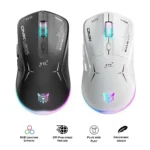
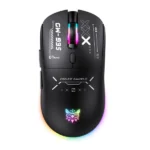
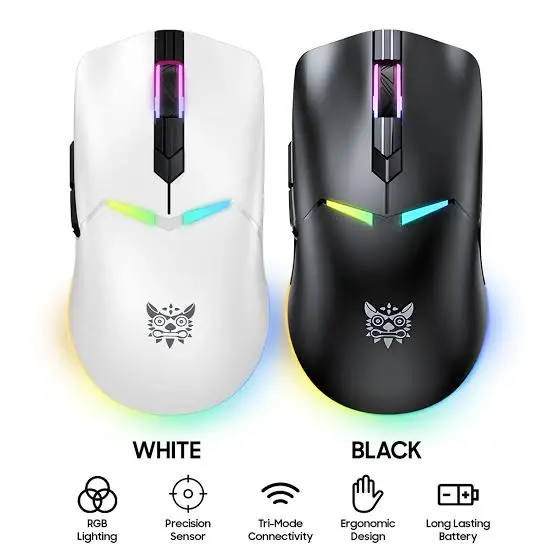
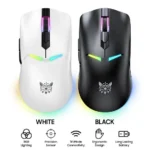
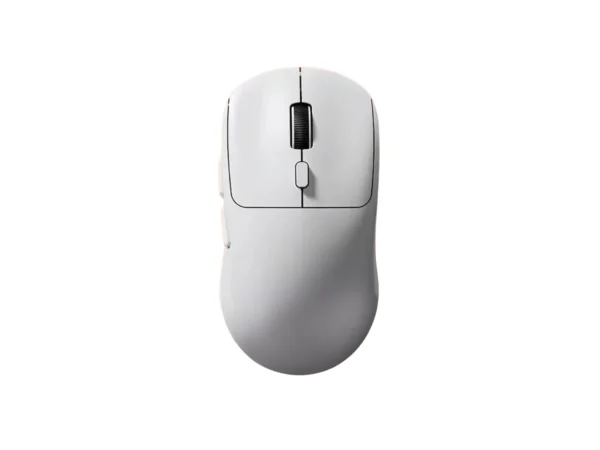
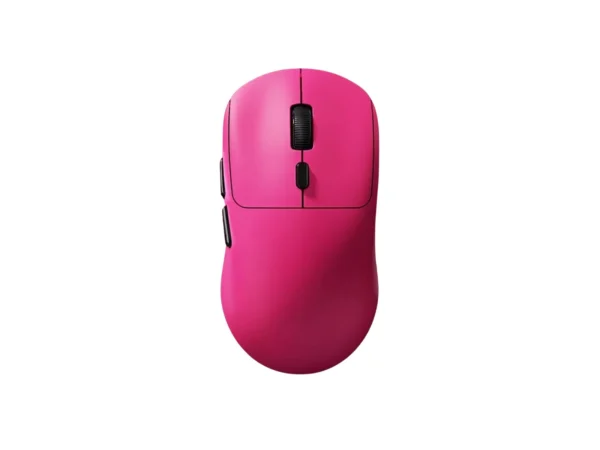
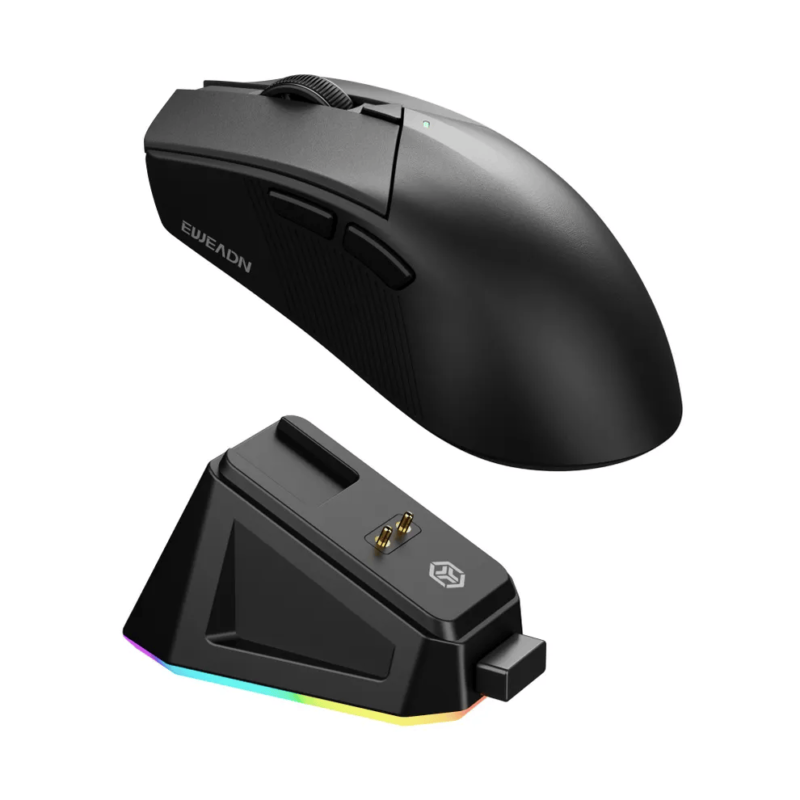
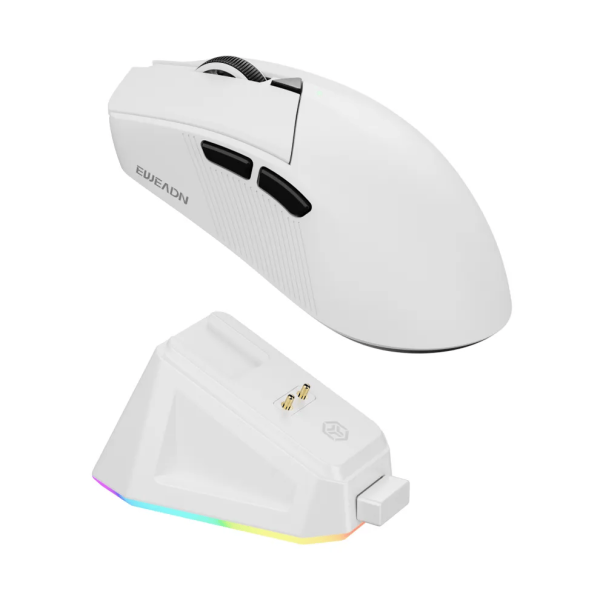
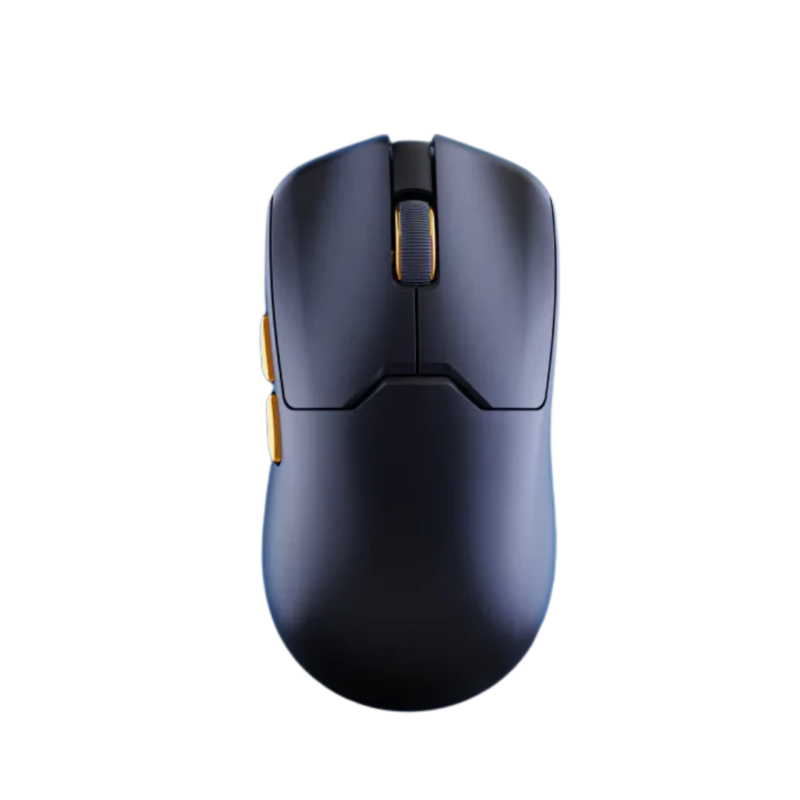
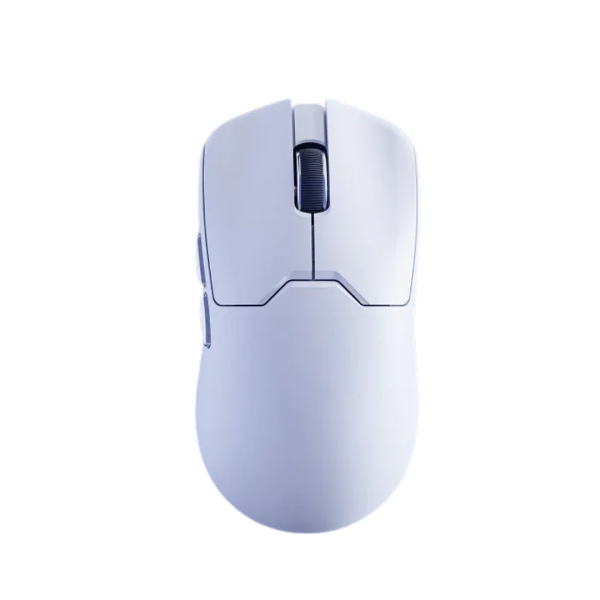
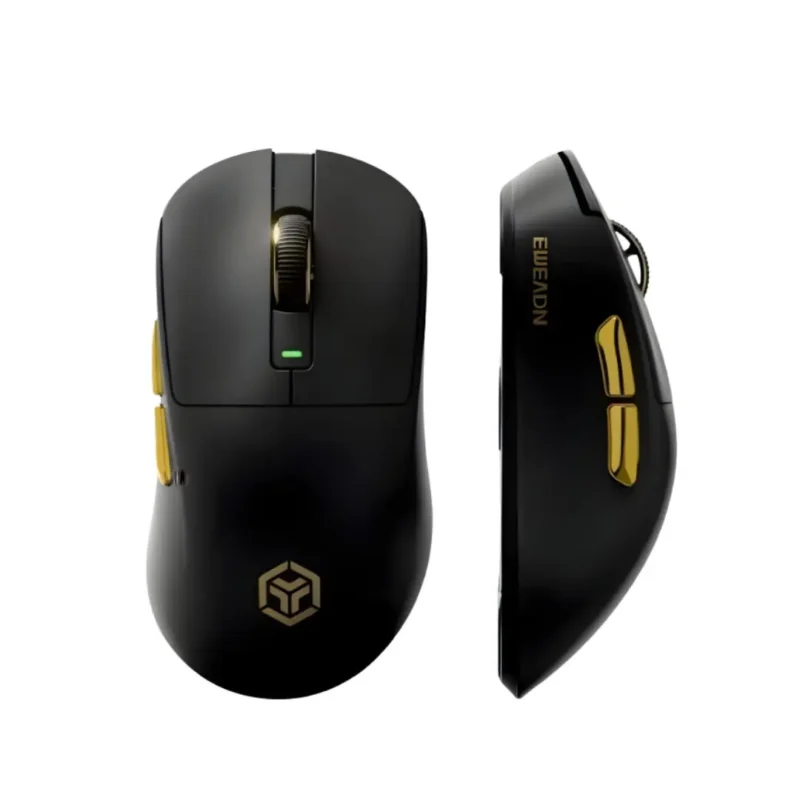
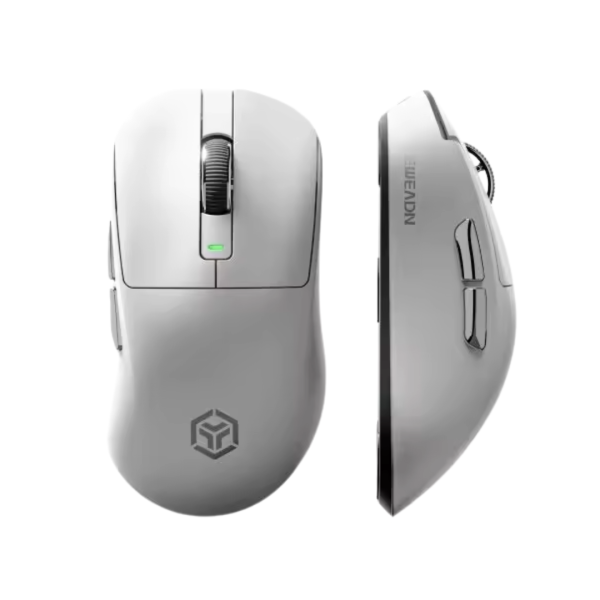
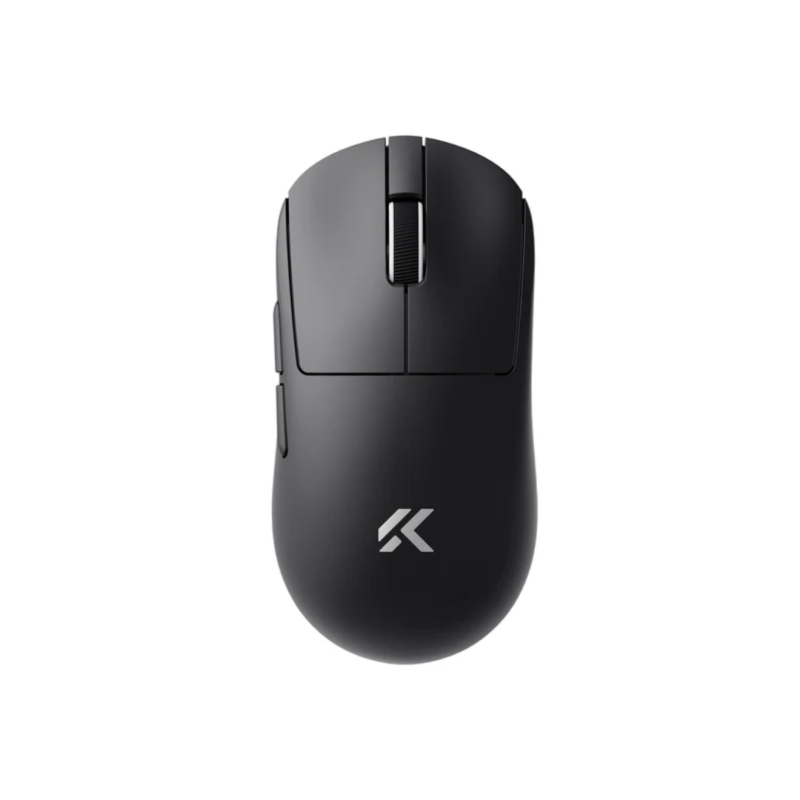
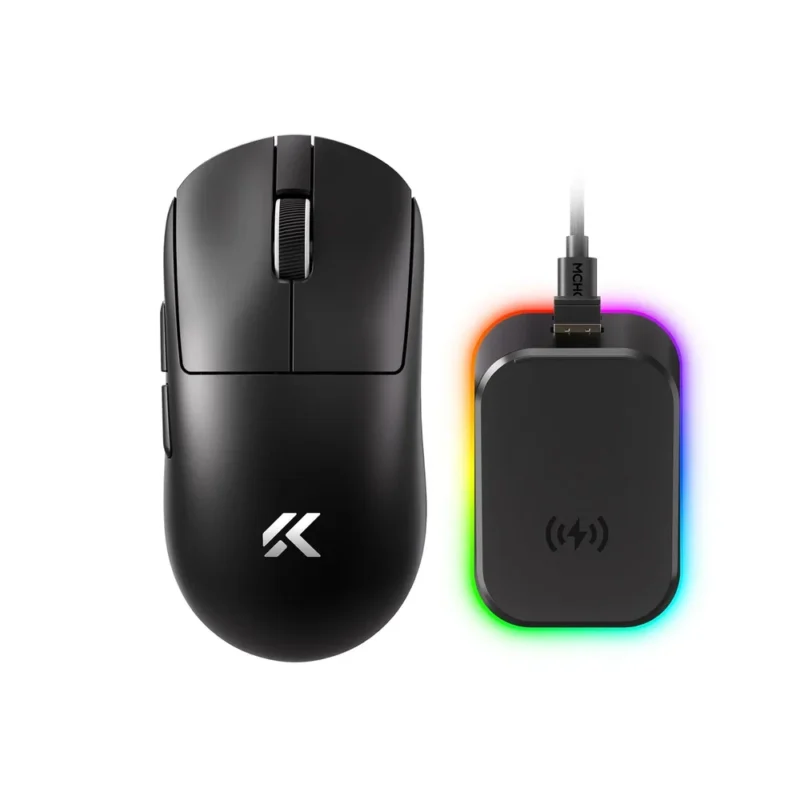
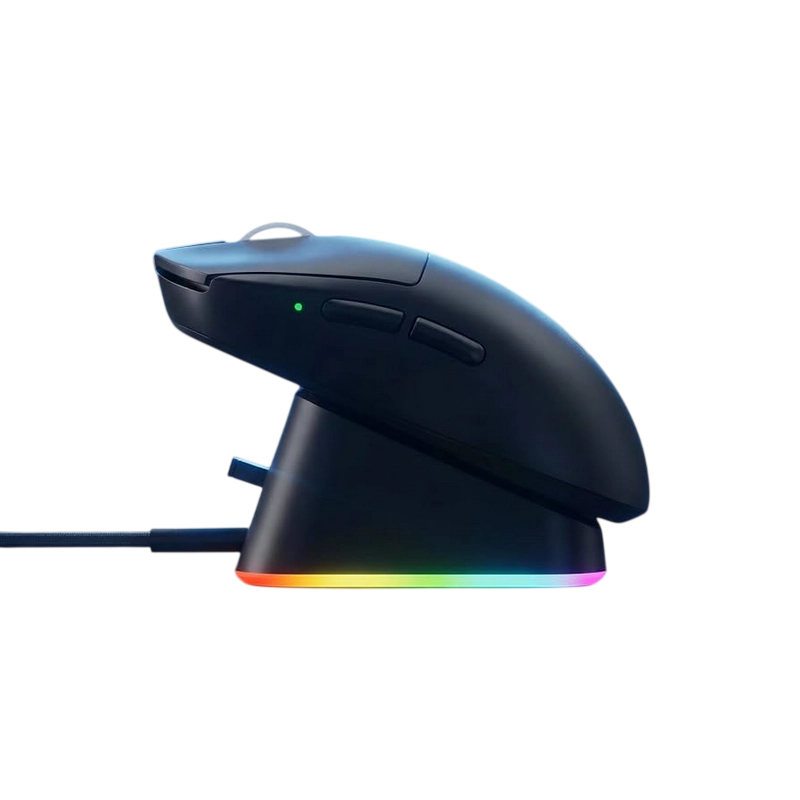
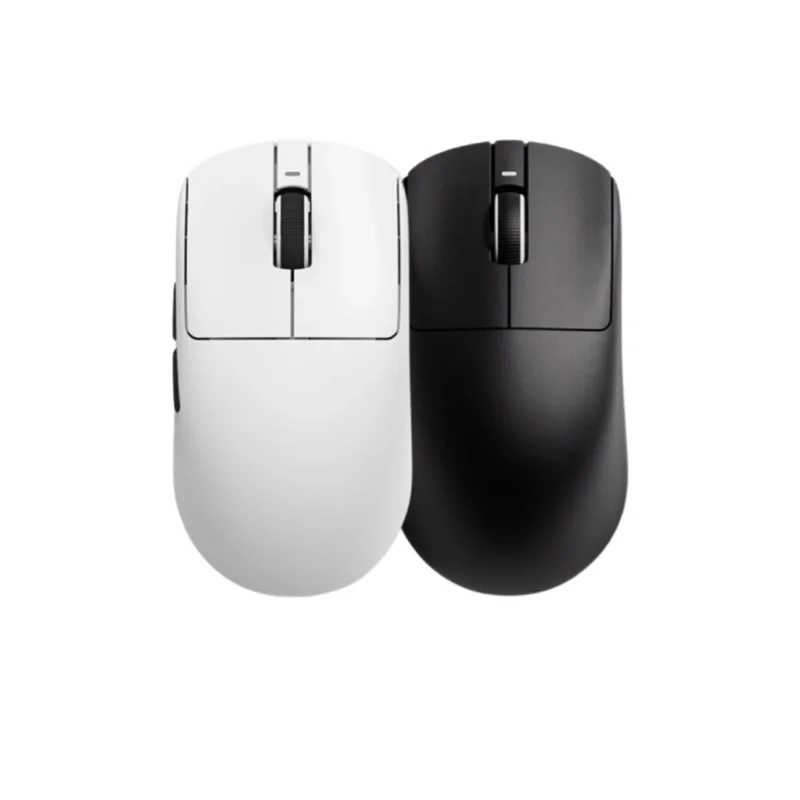
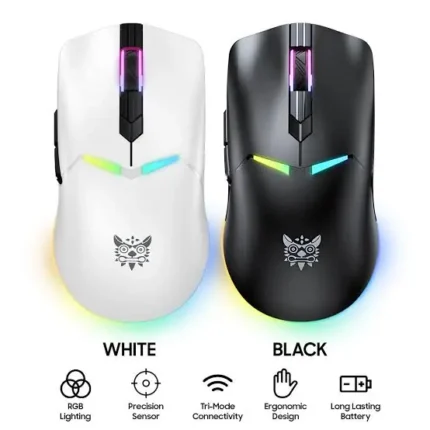
The ONIKUMA CW928 is a powerhouse tri-mode gaming mouse meticulously engineered to deliver pixel-perfect precision, structural durability, and untethered freedom for competitive players. Showcasing an incredibly balanced, ergonomic chassis with dimensions of 123 × 64 × 38.5 mm and weighing an agile 79 grams, this mouse sits perfectly in the hand to minimize wrist strain during marathon gaming grinds. It offers fluid glide mechanics and superb handling optimized for swift claw and palm gripping styles.
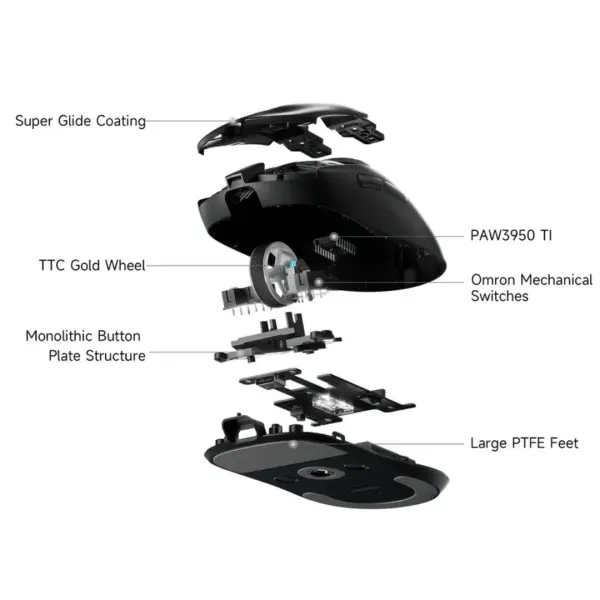
At its core, the CW928 houses the elite PixArt PAW3311 optical gaming sensor seamlessly paired with a high-performance CX52850E_QFN48 MCU processing core. This potent pairing ensures stutter-free tracking and zero cursor skipping across an adjustable sensitivity landscape ranging from 800 to 12,000 DPI. For tournament-ready versatility, it features an advanced Tri-Mode connectivity pipeline, allowing you to switch fluidly between low-latency 2.4GHz wireless, multi-device Bluetooth, and a stable wired USB-C configuration boasting an esports-grade 1000Hz polling rate.
Built to survive rigorous, fast-paced click tracking, the primary left and right clickers are armed with premium microswitches rated for an impressive 20,000,000 clicks lifespan. Powering this layout is a high-capacity 3.7V/600mAh rechargeable lithium battery designed to eliminate charging anxiety across long gaming sessions. Fully compatible from legacy Windows XP systems up to modern operating platforms, the ONIKUMA CW928 brings professional-grade specs down to an incredibly accessible price point.
Product Specifications
| Specification |
Detail |
| Model |
ONIKUMA CW928 |
| Connectivity |
Tri-Mode: 2.4GHz Wireless, Bluetooth, Wired Type-C |
| Sensor |
PixArt PAW3311 Optical Gaming Sensor |
| Microcontroller Unit (MCU) |
CX52850E_QFN48 Chipset |
| DPI Presets |
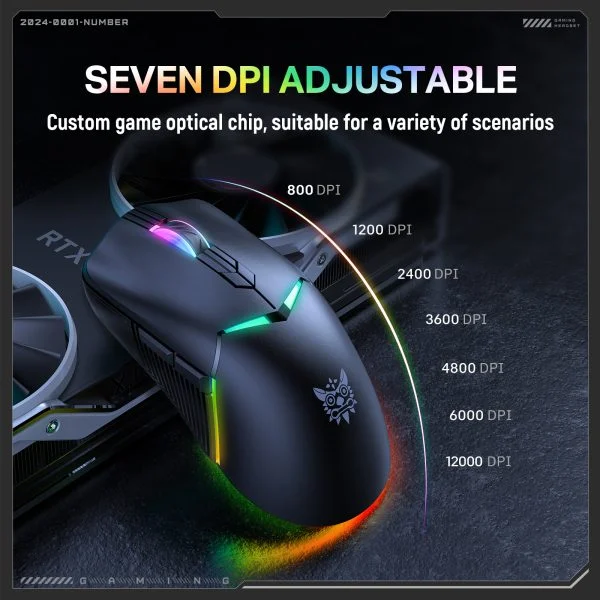
800 / 1200 / 2400 / 3600 / 4800 / 6000 / 12000 DPI |
| Polling Rate |
1000Hz (1ms Ultra-Low Latency Response) |
| Number of Keys |
7 Functional Custom Buttons |
| Switch Lifespan |
20 Million Clicks Durability (Left / Right Triggers) |
| Battery Parameters |
3.7V / 600mAh Rechargeable Lithium Pack |
| Dimensions |
123 × 64 × 38.5 mm |
| Weight |
Approximately 79 grams |
| System Support |
Windows XP / 7 / 8 / 10 / 11 |
| Warranty |
1 Year Official Warranty |
Key Features of ONIKUMA CW928 in Detail
-
- Pro-Tier PAW3311 Gaming Sensor: Tracks rapid hand motions and extreme acceleration curves flawlessly, ensuring pixel-precise execution for flick shots in fast-paced competitive matchmaking.
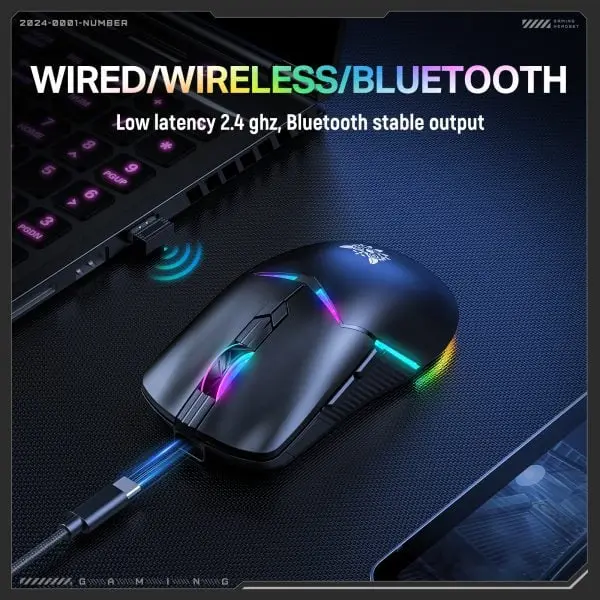
- Elite Tri-Mode Wireless Freedom: Connect exactly how you want. Use the 2.4GHz dongle for ultra-low latency esports play, Bluetooth for multi-device office utility, or plug in the cable for wired performance.
- 20 Million Click Tactile Switch Matrix: Heavy-duty internal microswitches maintain a tight, uniform actuation response and satisfying rebound while entirely resisting double-click degradation.
- Extended 600mAh Rechargeable Power Base: Houses a larger energy reserve than typical lightweight wireless models, fueling multi-day competitive performance on a single charge cycle.
- Versatile 7-Button Architecture: Packed with 7 highly responsive mapped inputs including convenient thumb navigation keys, letting you save complex macros and in-game shortcuts directly.
What’s in the Box?
-
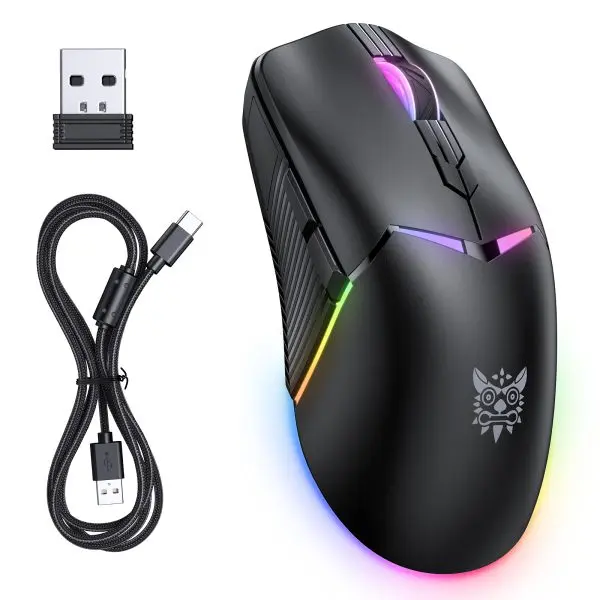
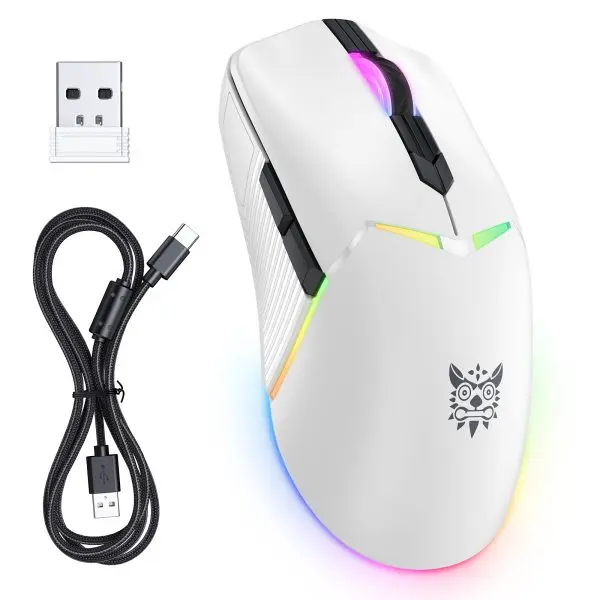
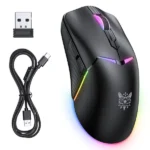
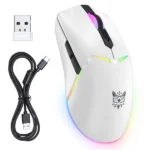
- 1x ONIKUMA CW928 Tri-Mode Wireless Gaming Mouse
- 1x 2.4GHz USB Wireless Dongle Receiver
- 1x Premium Type-C Charging / Data Cable
- 1x User Configuration Guide
Why Choose the ONIKUMA CW928?
The ONIKUMA CW928 represents an unmatched value balance for players searching for a true PixArt PAW3311 optical engine inside a versatile Tri-Mode structure. While many competitive alternatives inflate costs heavily or shrink battery cells to save weight, the CW928 packs a robust 600mAh battery reservoir and a crisp 20-million click lifespan framework into an agile 79g chassis. It gives you raw enthusiast-level tracking speed without the premium brand premium.
Why Buy From BitByte Technology?
-
- 100% Genuine Tech Gear: We guarantee all our items are authentic global versions imported directly from recognized manufacturer channels.
- Official 1-Year Warranty Protection: Buy with complete confidence knowing your investment is covered by an official 1-year product warranty.
- Fast Courier Delivery Nationwide: We provide prompt, securely padded shipping to all 64 districts across Bangladesh.
- Top-Tier Gaming Portfolio: BitByte Technology specializes in bringing enthusiast gaming tech to local players at authentic, competitive prices.
Price in Bangladesh at BitByte Technology
The ONIKUMA CW928 Tri-Mode 2.4Ghz Gaming Mouse is available at BitByte Technology for ৳ 2,899.00.
Frequently Asked Questions (FAQ)
Q: Can I use this mouse smoothly while it charges?
A: Absolutely! When you connect the premium Type-C cable directly to your PC, the mouse automatically bridges data over the cable for a zero-latency wired interface while replenishing the battery simultaneously.
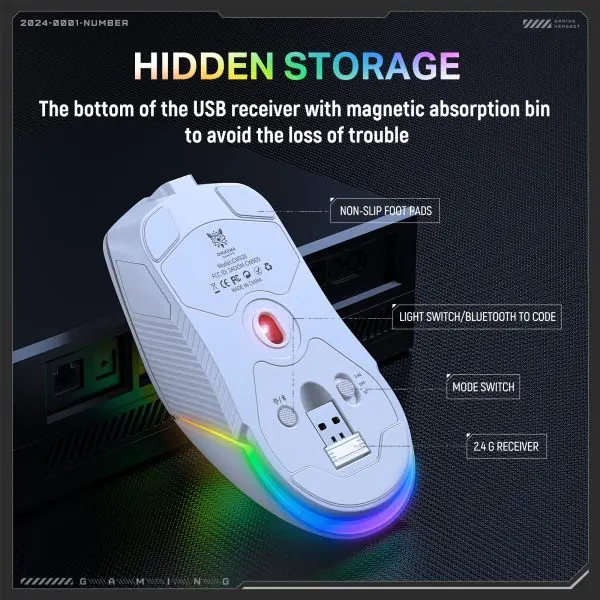
Q: Where is the 2.4GHz USB receiver stored when traveling?
A: To prevent losing the small dongle, the mouse features an integrated, hidden hardware storage compartment built right into its shell for convenient travel security.
Q: Does it require dedicated software to change DPI levels?
A: No, you can cycle fluidly through the standard hardware-mapped DPI presets (800 up to 12,000) on the fly using the physical DPI adjustment keys.








Reviews
There are no reviews yet.